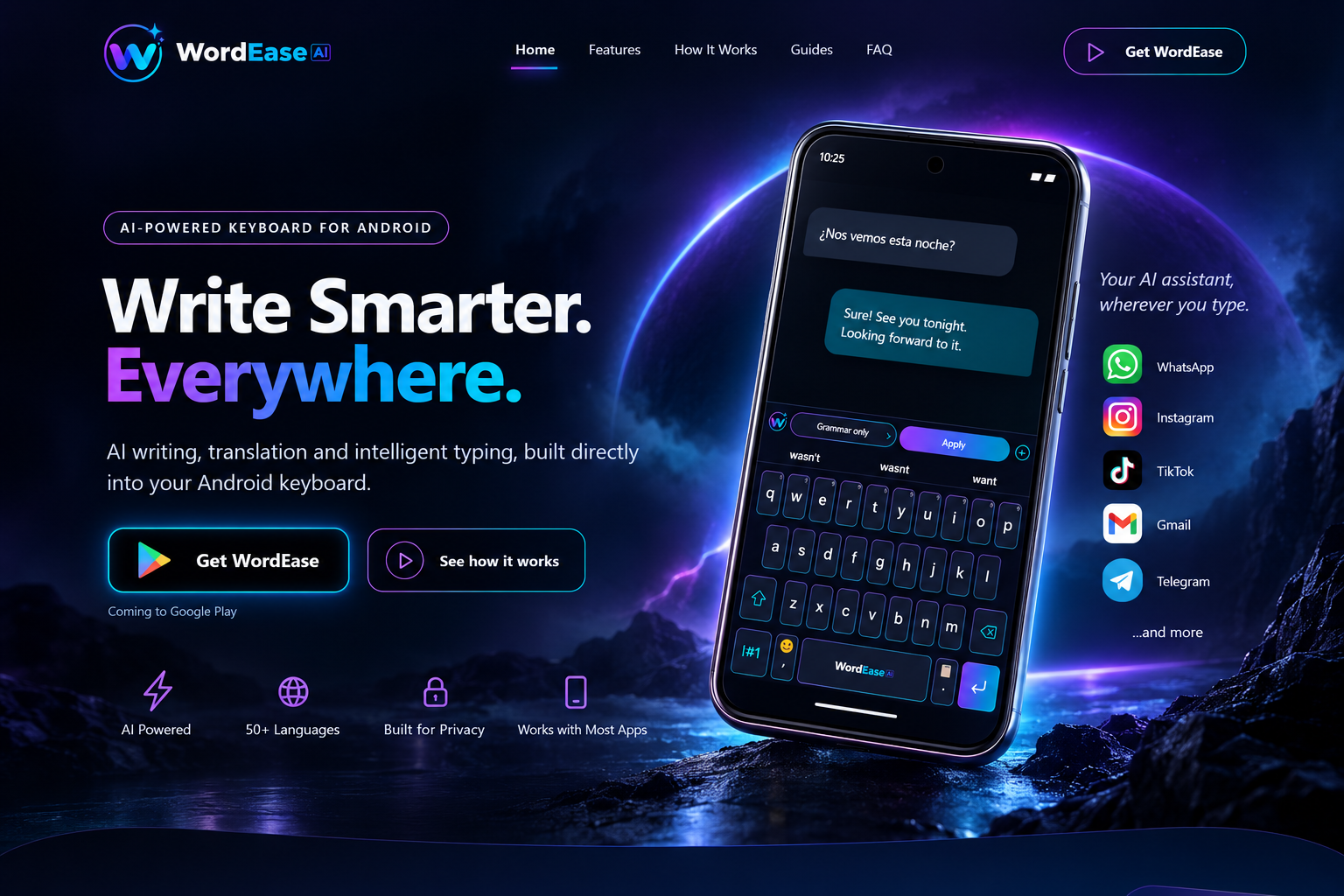
Grammar
Fix spelling, punctuation and grammar while keeping your meaning.
AI-POWERED KEYBOARD FOR ANDROID
AI writing, translation and intelligent typing, built directly into your Android keyboard.
Your AI assistant, wherever you type. WhatsApp, Instagram, TikTok, Gmail, Telegram …and more.
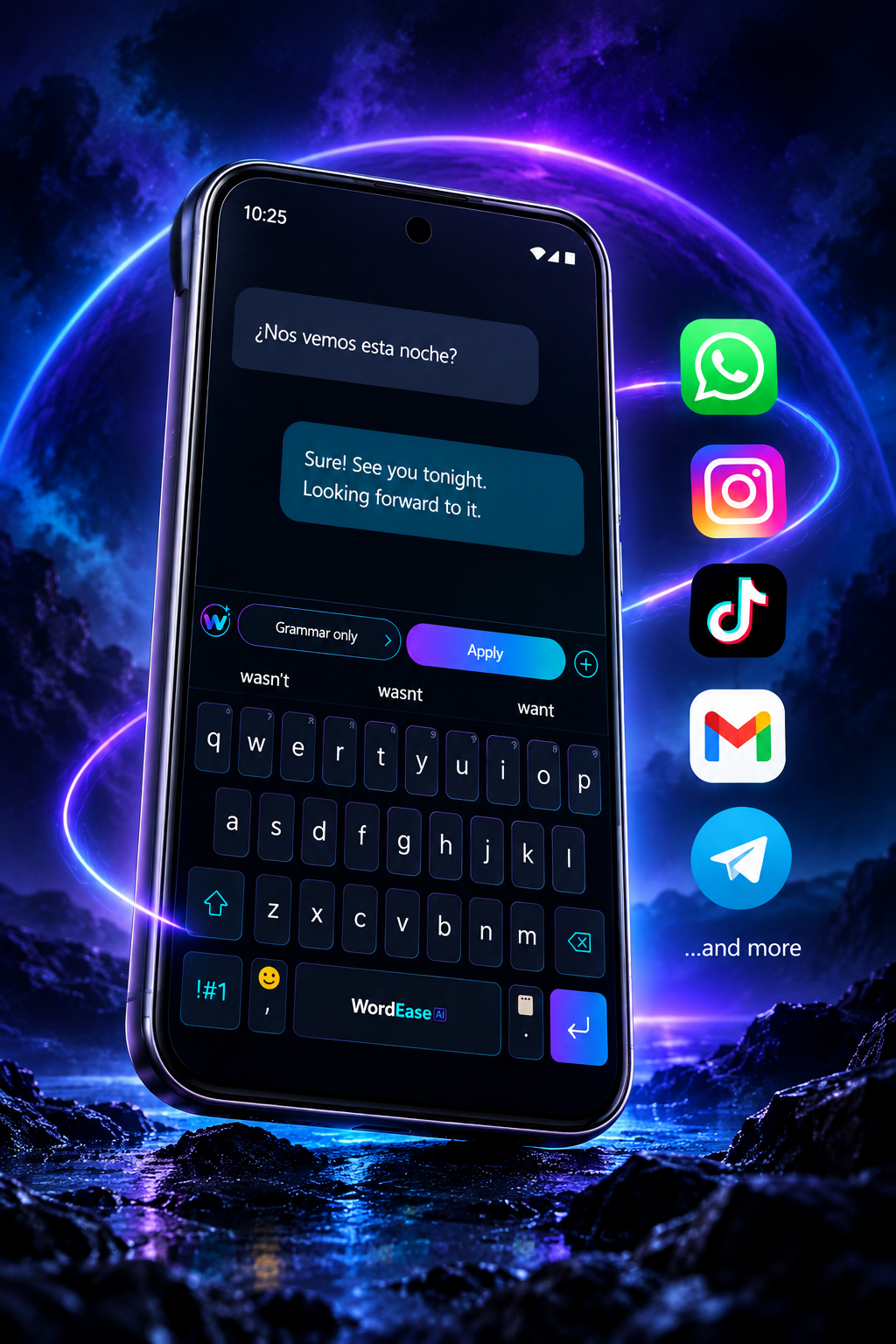
Fix grammar, rewrite text and adjust your tone — right where you type.
Translate incoming messages and write replies across 50+ languages.
Get answers, ideas and writing help without leaving your keyboard.
Learns your vocabulary and helps you type faster.
Keep copied text and images ready when you need them.
Your recent emojis, one long-press away.
Copy a message → Auto translate → Write your reply → Translate and send. The translated reply is ready for you to send; WordEase does not send it automatically.
Swipe across to explore the four steps.
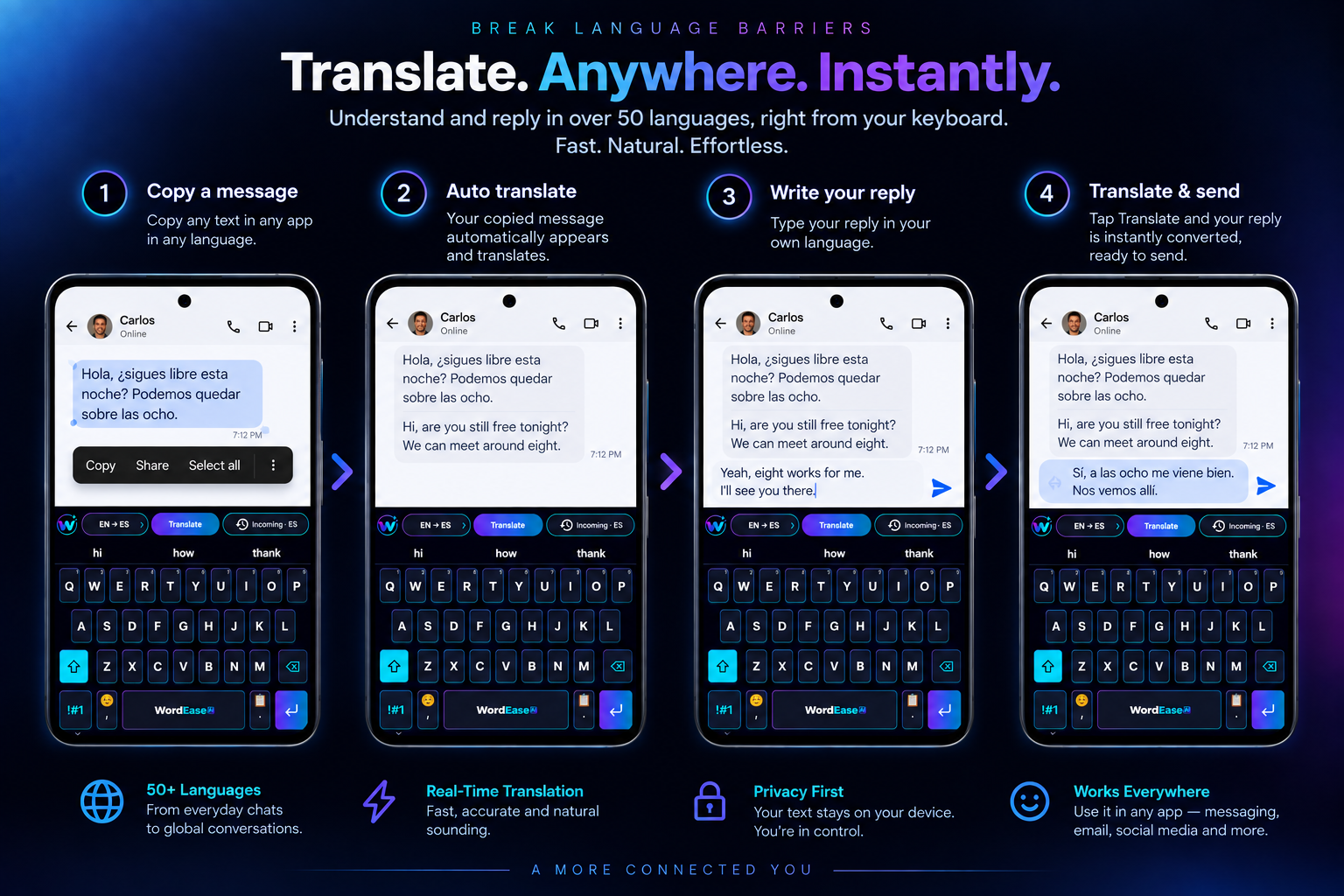
BREAK LANGUAGE BARRIERS
Understand and reply in over 50 languages, right from your keyboard.
Fast. Natural. Effortless.
Copy any text in any app, in any language.
Your copied message automatically appears and translates.
Type your reply in your own language.
Tap Translate and your reply is instantly converted, ready to send.
From everyday chats to global conversations.
Fast, accurate and natural sounding.
Your text stays on your device. You're in control.
Use it in any app — messaging, email, social and more.
A MORE CONNECTED WORLD.
AI WRITING
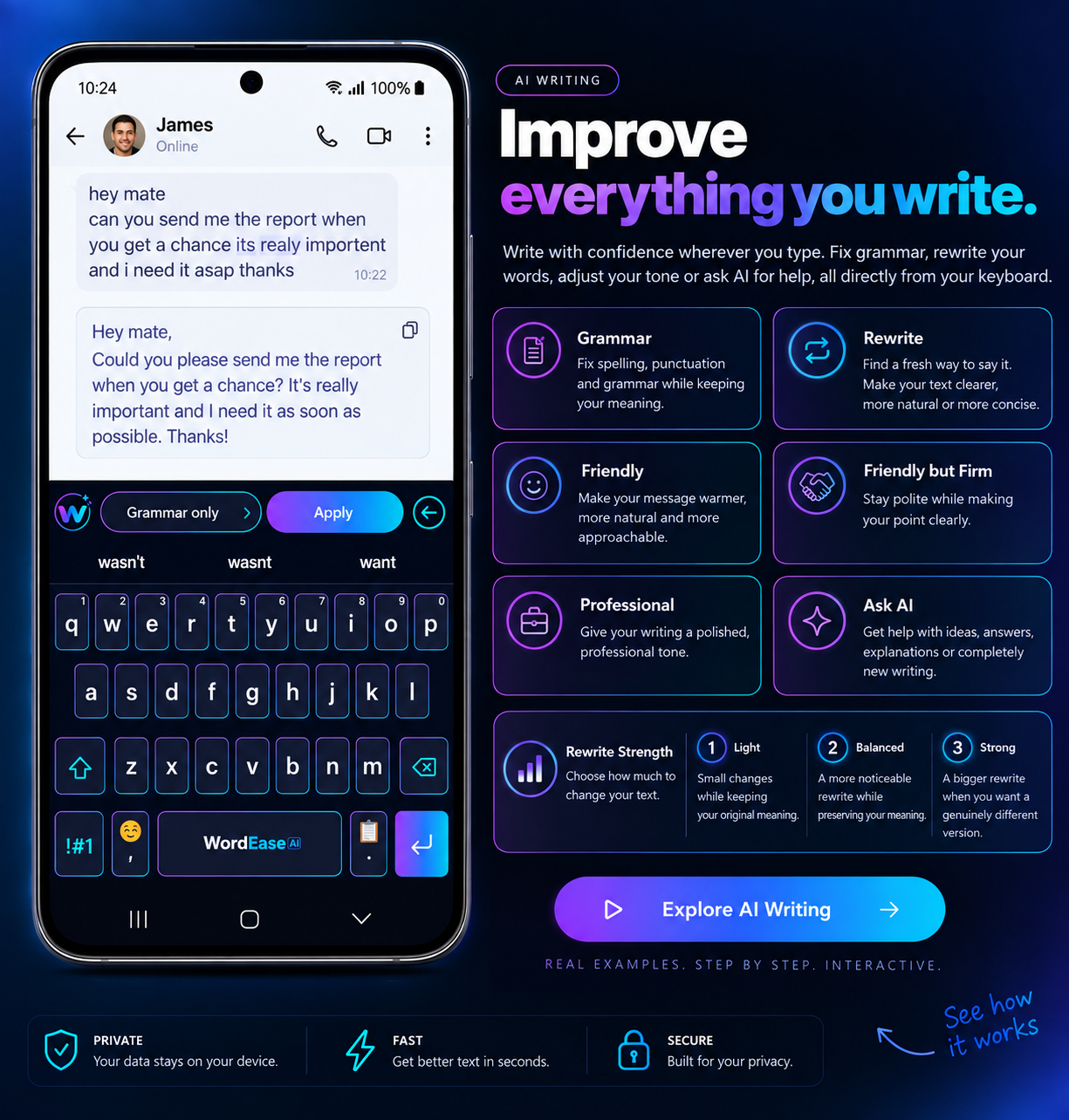
Write with confidence wherever you type. Fix grammar, rewrite your words, adjust your tone or ask AI for help, all directly from your keyboard.
Fix spelling, punctuation and grammar while keeping your meaning.
Find a fresh way to say it. Make your text clearer, more natural or more concise.
Make your message warmer, more natural and more approachable.
Stay polite while making your point clearly.
Remove unnecessary wording and get straight to the point.
Give your writing a polished, professional tone.
Get help with ideas, answers, explanations or completely new writing.
You control how much your wording changes.
Small changes while staying close to your original wording.
A more noticeable rewrite while preserving your meaning.
A bigger rewrite when you want a genuinely different version.
ASK AI
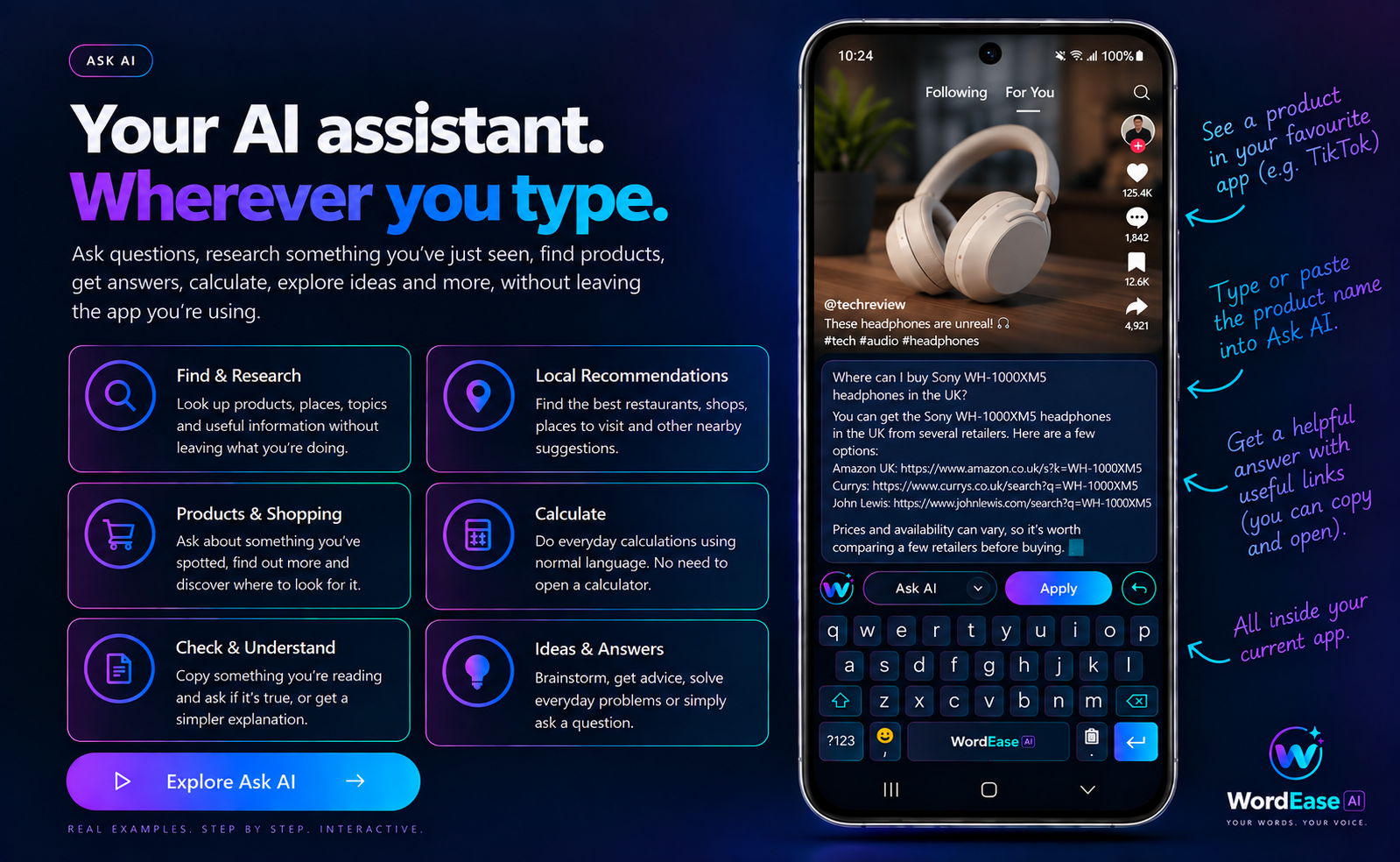
Ask questions, research something you've just seen, find products, get answers, calculate, explore ideas and more, without leaving the app you're using.
Look up products, places, topics and useful information without leaving what you're doing.
Find the best restaurants, shops, places to visit and other nearby suggestions.
Ask about something you've spotted, find out more and discover where to look for it.
Do everyday calculations using normal language. No need to open a calculator.
Copy something you're reading and ask if it's true, or get a simpler explanation.
Brainstorm, get advice, solve everyday problems or simply ask a question.
SMART SUGGESTIONS
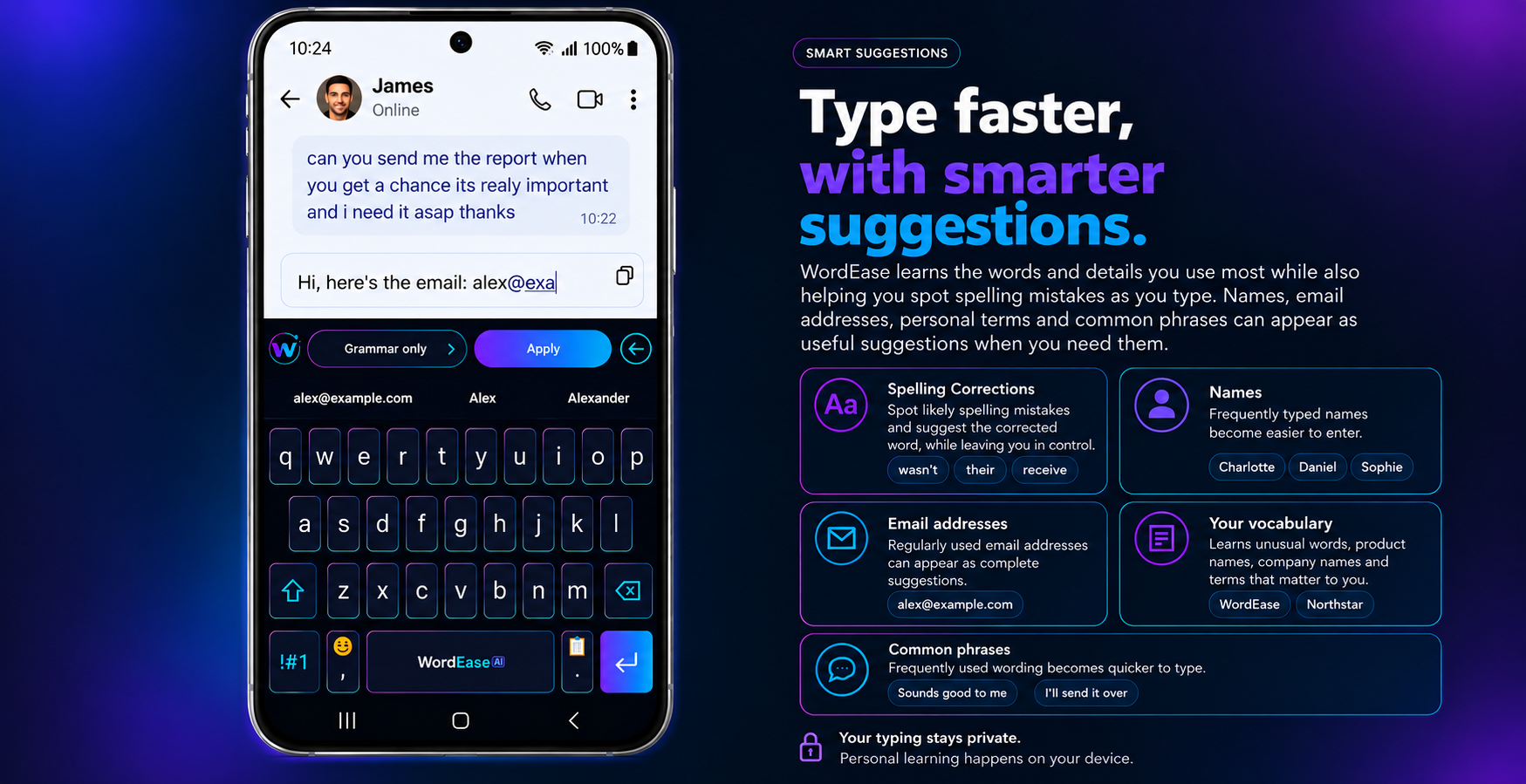
WordEase learns the words and details you use most while also helping you spot spelling mistakes as you type. Names, email addresses, personal terms and common phrases can appear as useful suggestions when you need them.
Spot likely spelling mistakes and suggest the corrected word, while leaving you in control.
Frequently typed names become easier to enter.
Regularly used email addresses can appear as complete suggestions.
Learns unusual words, product names, company names and terms that matter to you.
Frequently used wording becomes quicker to type.
Personal learning stays on your device.Cloud AI processes the text you submit online.
CLIPBOARD & IMAGES
Copy text or images and WordEase brings them straight to your keyboard, ready when you need them. Save useful clips, pin favourites and keep screenshots close without constantly switching apps.
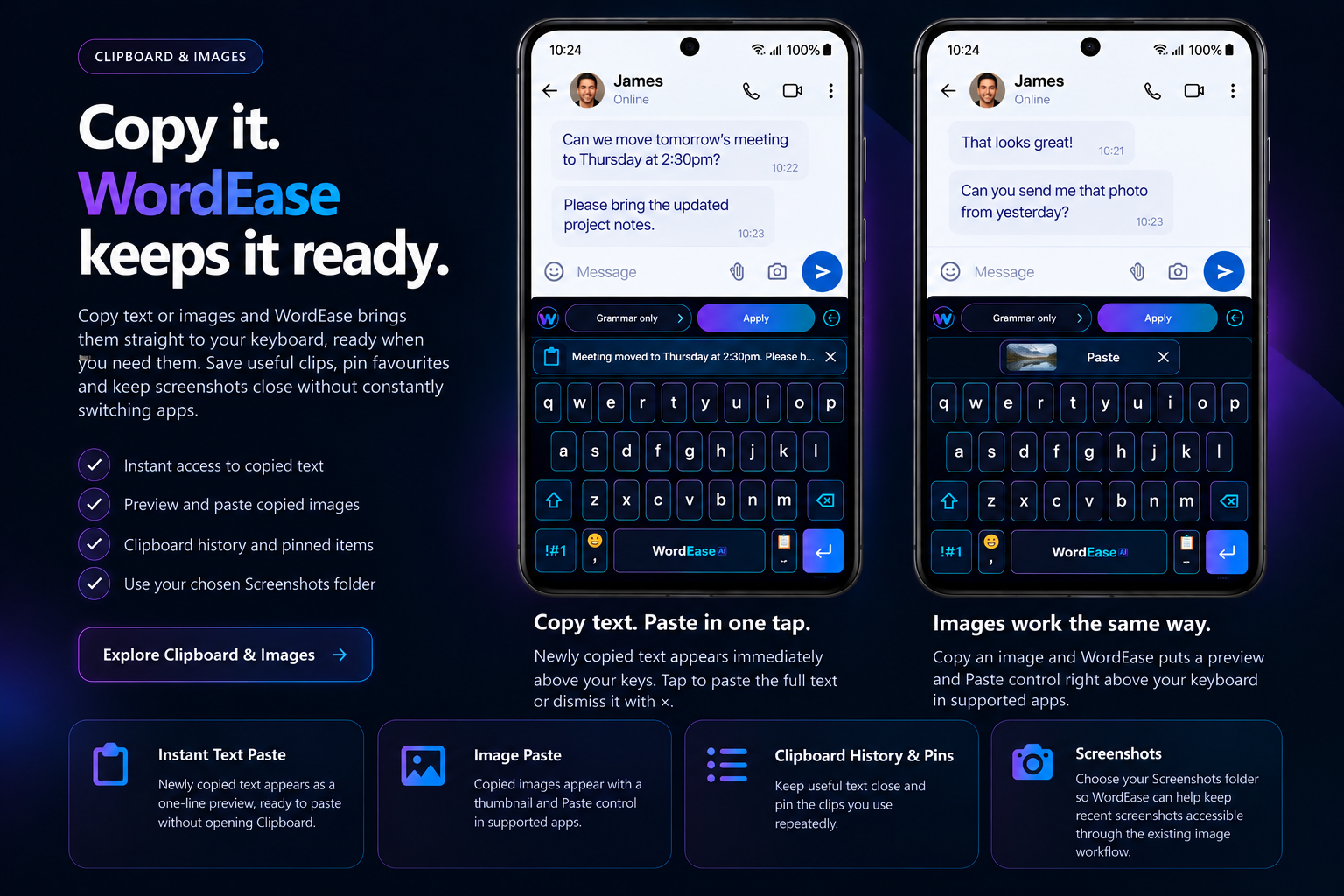
Newly copied text appears immediately above your keys. Tap to paste the full text or dismiss it with ×.
Copy an image and WordEase puts a preview and Paste control right above your keyboard in supported apps.
Newly copied text appears as a one-line preview, ready to paste without opening Clipboard.
Copied images appear with a thumbnail and Paste control in supported apps.
Keep useful text close and pin the clips you use repeatedly.
Choose your Screenshots folder so WordEase can help keep recent screenshots accessible through the existing image workflow.
BEAUTIFUL. YOUR WAY.
Choose the look that suits you — WordEase, Light, Dark or High Visibility — and adjust the keyboard to suit the way you type.
Signature WordEase look.
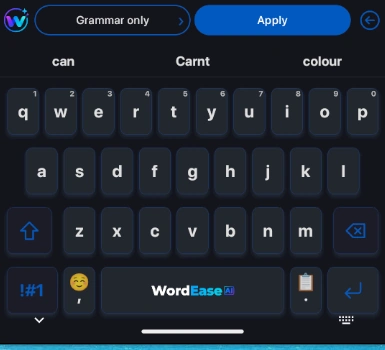
Sleek and modern.
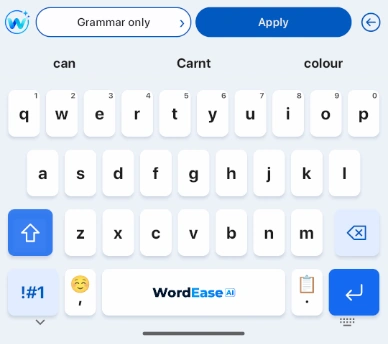
Clean and bright.
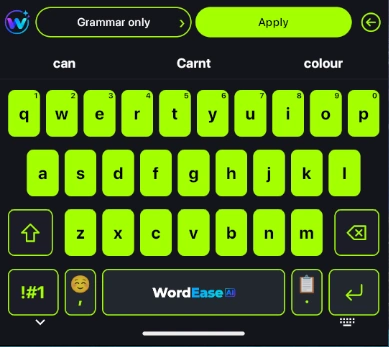
Maximum clarity.